
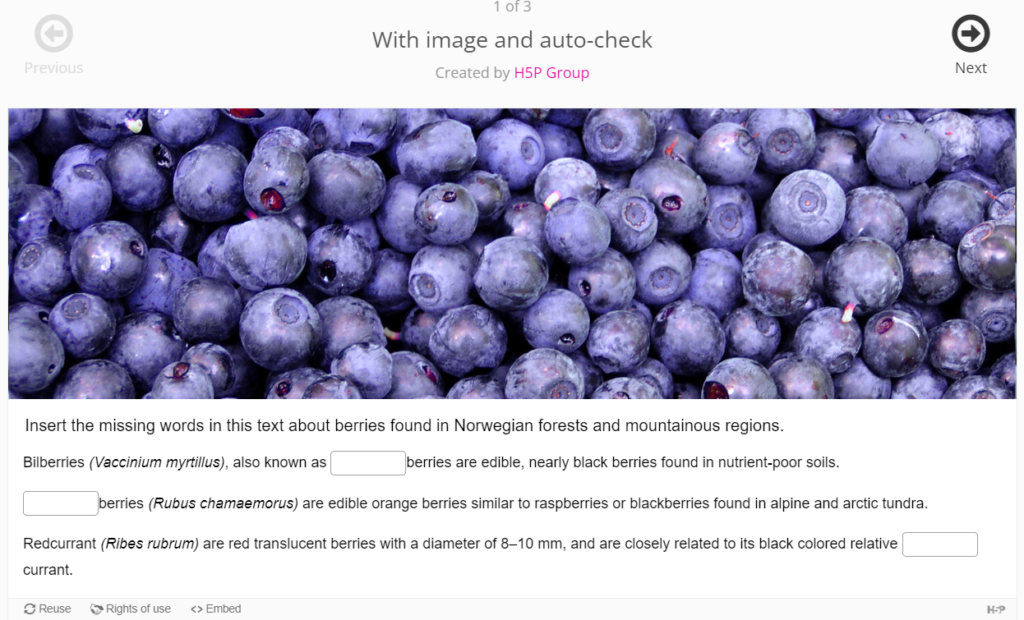
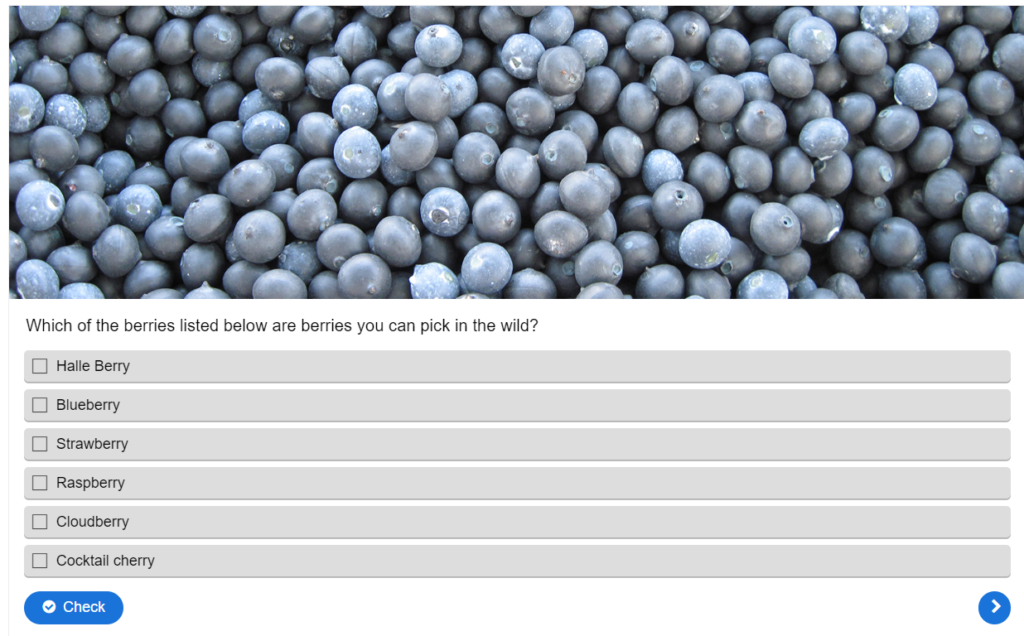
✔️ Interactive elements (quizzes, learning activities, polls, etc.) are easy to use and view, and are clearly marked.
Review These Explanations

Photo by Marek Levák on Unsplash
Interactivity in learning means actively engaging learners with educational content, encouraging participation through various means like discussions, simulations, and adaptive learning. Interactive elements not only enhance student engagement but also contribute to improved learning outcomes by providing hands-on experiences and immediate feedback. Numerous studies in experimental and observational research have delved into various facets of feedback, establishing it as a potent factor significantly shaping learning. Researchers underscore the pivotal role of feedback, emphasizing that when provided appropriately and in a timely manner, it has the potential to enhance learning outcomes. (Hattie & Gan, 2011)
Catering to diverse learning styles, interactivity features motivate students, facilitate efficient time management, and align with modern pedagogical approaches emphasizing active learning. Additionally, the clarity in marking and presentation ensures a positive user experience, making it straightforward for both students and instructors to monitor progress and assess comprehension. Well-designed and accessible interactive elements are integral to fostering an inclusive, engaging, and effective learning environment within the university platform.
Types of Interactive Elements
| Type | Examples |
| Quizzes and Assessments | Immediate feedback and progress tracking |
| Learning Activities | Simulations, case studies, and group projects for hands-on experiences |
| Discussion Forums | Online platforms for collaborative conversations |
| Polls and Surveys | Real-time feedback mechanisms |
| Interactive Multimedia | Clickable images, annotated videos, and simulations |
| Virtual Labs | Simulated environments for practical experiments |
| Gamification Elements | Badges, leaderboards, and rewards for motivation |
| Collaborative Tools | Shared documents, wikis, and group projects |
| Real-time Chat and Messaging | Instant communication between students and instructors |
| Interactive eBooks and Learning Modules | Clickable links, multimedia, and self-assessment quizzes |
| Virtual Reality (VR) and Augmented Reality (AR) | Virtual science labs for hands-on experiments, AR applications for interactive museum exhibits, collaborative student design. |
Refresh Your Course with These Ideas
General Suggestions:
- Create awareness about available interactive features and their benefits with your students
- Participate in discussion forums within your LMS platform
- Showcase benefits of quizzes, polls, and surveys for active learning
- Add in interactive elements that are clearly labelled within your LMS that provide students with immediate feedback
- Explore options for virtual labs or simulations to enhance practical learning
- Emphasize chat features or live sessions for immediate interaction
- Regularly collect feedback to refine strategies and identify improvements
- Attend workshops or training sessions on utilizing interactive elements
- Create quizzes and polls within the LMS to engage students actively
- Integrate multimedia content like videos and images into lectures
- Use real-time communication features like chat for immediate interaction
- Design assignments that involve interactive elements, like case studies or multimedia projects
Resources:
Hattie, J. A., & Gan, M. (2011). Instruction based on feedback. In R. Mayer & P. Alexander (Eds.), Handbook of research on learning and instruction (pp. 249–271). New York: Routledge.
- Wang, Q., Wen, Y. & Quek, C.L. Engaging learners in synchronous online learning. Educ Inf Technol 28, 4429–4452 (2023). https://doi.org/10.1007/s10639-022-11393-x
- HTML Interactive Content, Panopto
- Padlet
- H5P Beginner guides