✔️ Media is provided with consideration for file size and user bandwidth.
Review These Explanations

Integrating media files into online learning pages with careful consideration for file size and load times is pivotal for ensuring an effective and inclusive educational experience. Optimizing file sizes is essential to accommodate learners with varying internet speeds, promoting accessibility for a diverse audience. Faster loading times contribute significantly to user engagement by minimizing waiting periods, fostering a seamless learning environment that keeps students focused on educational content. This approach is particularly crucial for mobile learning, enabling students to access materials across different devices. Moreover, efficient use of server resources, cost considerations for data-limited regions, and compatibility with various learning platforms make media optimization a strategic choice. Beyond technical aspects, smaller file sizes align with instructional design integrity, ensuring multimedia elements support the pacing and structure of the course. Compliance with accessibility standards, load balancing, and scalability further underscore the importance of a thoughtful approach to media integration for an enhanced online learning experience.
User Bandwidth: User bandwidth refers to the amount of data that an internet connection can transmit within a specified time, typically measured in bits per second (bps), kilobits per second (kbps), megabits per second (Mbps), or gigabits per second (Gbps). It determines the speed and efficiency of online activities, with higher bandwidth enabling faster data transmission for tasks like browsing, downloading, and streaming.
Scalability: Scalability for media in an online course refers to the system’s ability to efficiently handle and deliver media content as the course grows, ensuring a smooth learning experience for an increasing number of users.
Refresh Your Course with These Ideas
General Suggestions:
- Utilize compression techniques to reduce the size of media files without compromising quality.
- Include hyperlinks for media to open on a separate page outside of your LMS platform when required.
- Opt for file formats that balance quality and size, considering the specific requirements of each media element.
- Use streaming services for video and audio content to allow for faster loading without requiring complete file downloads.
- Compress and optimize images by adjusting resolution and using appropriate image formats to minimize file size.
- Implement lazy loading techniques to load media files only when they come into the user’s viewport, reducing initial page load times.
- Leverage browser caching mechanisms to store media files locally, reducing the need for repeated downloads.
- Take a workshop to learn best practices for media file integration, emphasizing the importance of optimizing file size.
- Reach out to your instructional design team to ensure that the file sizes for your online course are appropriately optimized.
Specific Tips:
- Use compressed and optimized images, such as JPEG for photographs and PNG for graphics with transparency. Aim for image sizes in the range of 100KB to 500KB, or up to 1MB for larger graphics.
- Compress videos before uploading, and consider common formats like MP4 with H.264 compression. Keep video resolutions appropriate for online viewing (720p or 1080p) and file sizes under 100MB for shorter videos or under 500MB for longer videos.
- Utilize compressed audio formats like MP3, with appropriate bitrates for voice (64-128 kbps) or music (128-256 kbps). Keep audio file sizes under 10MB for reasonable loading times.
- Optimize PDFs for web use and reduce file sizes without compromising quality. For Word documents, consider saving them as PDFs for more consistent rendering.
- Compress images within slideshows and export them in a web-friendly format.
- Break lengthy slideshows into smaller sections if needed.
Examples
Images
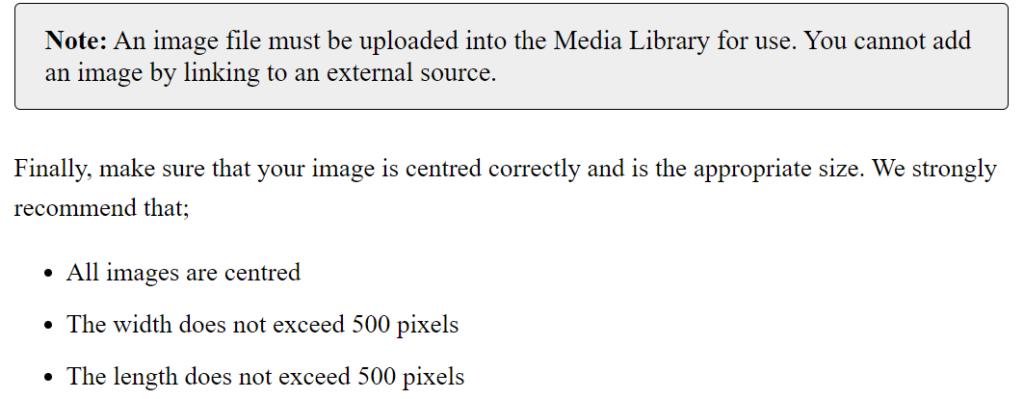
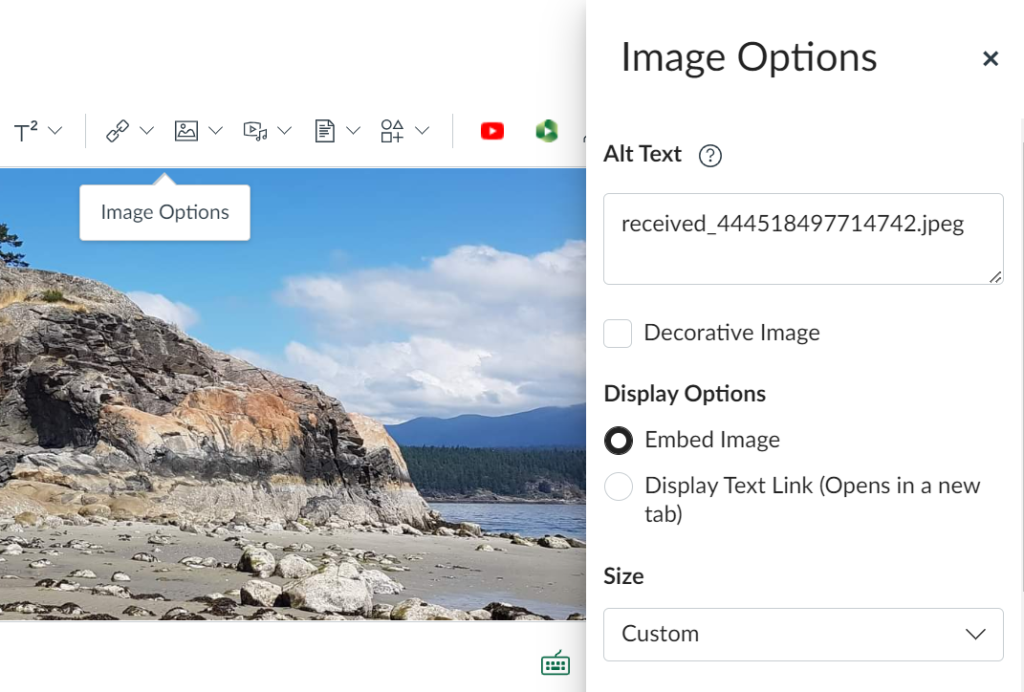
In Canvas, you have the option to adjust the image size to ensure an optimal file size, promoting swift loading times.